
Transparency: This article may reference financial products, tools, or services. If you sign up through links on this page, we may earn a commission at no extra cost to you. Our recommendations are based on editorial judgment, not compensation.
If you are just getting started, following a structured plan for budgeting for beginners can help you navigate your first 30 days effectively.
Before diving into automation, it is helpful to understand the fundamentals of how to create a monthly budget that aligns with your financial goals.
Managing money effectively is less about math and more about behavior. While you can certainly track your spending with a pen and paper, modern technology offers tools that automate the tedious parts of financial planning, giving you clarity without the headache. The right budgeting app does not just record history; it helps you change your future.
Whether you want to crush debt, save for a vacation, or simply stop wondering where your paycheck went, there is a tool designed for your specific style. This guide breaks down the best options available in 2026, helping you move from financial stress to financial confidence.
Audience Scope: This guide is for U.S. residents seeking general financial management tools. If you have complex circumstances such as business ownership, high net worth, or international assets, we recommend consulting with a qualified financial professional.

Key Takeaways
- Automation wins: The most effective apps sync with your bank accounts to reduce manual entry and human error.
- Method matters: Choose an app that aligns with your budgeting style—whether that is zero-based budgeting, the envelope system, or simple expense tracking.
- Security is paramount: Always verify that an app uses bank-level encryption and read-only access before connecting your accounts.
- Tools are not magic: An app provides the data, but you must supply the discipline and decision-making to see results.
- Free vs. Paid: While free versions exist, paid apps often provide the robust customer support and ad-free experience necessary for serious financial planning.

Why Use a Budgeting App?
The primary benefit of a budgeting app is visibility. Many people avoid looking at their bank accounts because they fear what they might see. This avoidance creates a cycle of stress. Apps break this cycle by presenting your financial reality in an organized, digestible format.
For those who find digital apps a bit too automated, using free budgeting templates or spreadsheets can provide a more hands-on way to monitor your progress.
Alongside these digital tools, incorporating money-saving challenges can provide extra motivation to reach your savings targets faster.
According to the Consumer Financial Protection Bureau (CFPB), tracking spending is a fundamental step in achieving financial well-being. When you see exactly how much you spend on dining out or subscription services, you can make informed choices rather than guesses. Apps act as a mirror, reflecting your habits back to you so you can adjust them.
“A budget is telling your money where to go instead of wondering where it went.” — Dave Ramsey
Furthermore, manual tracking is prone to error and fatigue. You might forget to log a coffee purchase or lose a receipt. By syncing directly with your financial institutions, apps ensure that every transaction is captured. This accuracy is essential for building a realistic plan that sticks.

How We Selected These Apps
With dozens of financial apps on the market, narrowing the field requires strict criteria. We evaluated these tools based on four key pillars:
- Usability: Is the interface intuitive? Can a beginner set it up within 15 minutes?
- Methodology: Does the app support a proven budgeting method (like zero-based budgeting or the 50/30/20 rule)?
- Connectivity: Does it sync reliably with major U.S. banks and credit cards?
- Value: Is the cost justified by the features provided?

The Top 10 Budgeting Apps
If you are managing finances with a partner, learning how to budget as a couple can help streamline the process using these digital tools.
1. YNAB (You Need A Budget)
Best For: hardcore budgeters and those looking to break the paycheck-to-paycheck cycle.
YNAB is more than just a tracker; it is a philosophy. It uses zero-based budgeting, meaning every dollar you earn is assigned a specific job—whether that is paying rent, buying groceries, or sitting in a savings account. The goal is to “age your money,” so you are paying today’s bills with money you earned last month.
While YNAB has a steeper learning curve than other apps, the payoff is significant. The active nature of allocating every dollar forces you to confront your priorities. It connects to your bank accounts for real-time tracking and offers robust educational resources.
2. Empower (formerly Personal Capital)
Best For: Investors and high-income earners focused on net worth.
If you have moved beyond simple cash flow management and want to see the big picture, Empower is a top contender. It excels at investment tracking, retirement planning, and net worth visualization. You can see your 401(k), IRA, mortgages, and credit cards in one dashboard.
According to Investopedia, tools that track net worth provide a better long-term indicator of financial health than income alone. While its budgeting features are less granular than YNAB, its wealth management tools are superior for long-term planning.
3. Goodbudget
Best For: Couples and fans of the envelope system.
Before smartphones, many people used physical envelopes filled with cash to manage spending. Goodbudget digitizes this method. You create virtual “envelopes” for categories like groceries or entertainment. When an envelope is empty, you stop spending in that category.
This app does not sync with your bank accounts automatically (in the free version), which some users prefer for security or mindfulness reasons. It requires you to manually enter transactions, which can increase awareness of your spending habits.
4. PocketGuard
Best For: People who want to know “how much can I spend right now?”
PocketGuard simplifies budgeting down to one number: “In My Pocket.” It connects to your accounts, identifies recurring bills and subscriptions, subtracts your savings goals, and tells you exactly how much disposable income you have left for the day or week. It effectively prevents overspending by showing you the safe-to-spend limit in real-time.
5. EveryDollar
Best For: Dave Ramsey followers and zero-based budgeting beginners.
Created by Ramsey Solutions, EveryDollar is designed to work seamlessly with the Baby Steps method of getting out of debt. It offers a simple, clean interface for zero-based budgeting. The free version requires manual transaction entry, while the premium version (included with Ramsey+) offers bank syncing. It is an excellent entry point if you find YNAB too complex.
6. Honeydue
Best For: Partners and couples.
Money is a leading cause of relationship stress. Honeydue allows partners to view both joint and individual accounts in one place without necessarily merging everything. You can choose how much information to share with your partner. You can comment on specific transactions (e.g., “What was this charge for?”) and set household spending limits together.
7. Simplifi by Quicken
Best For: Cash flow management and custom watchlists.
Simplifi offers a modern, ad-free experience that focuses on cash flow—money in versus money out. It automatically categorizes expenses and identifies recurring subscriptions (helping you cancel the ones you forgot about). Its “Watchlists” feature lets you keep a close eye on specific problem areas, like dining out or clothing, without needing a rigid budget for every single category.
8. Oportun (formerly Digit)
Best For: Hands-off savers who struggle to save manually.
Oportun uses an algorithm to analyze your checking account balance and spending habits. It determines how much money you can safely spare and automatically transfers small amounts (sometimes just a few dollars) into a savings account. Over time, these small transfers add up significantly. It is an excellent tool for building an emergency fund without thinking about it.
Note: Ensure you monitor your account to prevent overdrafts, although the app includes overdraft protection features.
9. Acorns
Best For: Micro-investing and utilizing “spare change.”
Acorns rounds up your everyday purchases to the nearest dollar and invests the difference. If you buy a coffee for $4.50, Acorns takes $0.50 and invests it in a diversified portfolio. While not a traditional budgeting app, it is a powerful tool for savings automation.
According to the Securities and Exchange Commission (SEC), starting to invest early allows compound interest to work in your favor. Acorns lowers the barrier to entry, making investing accessible to everyone.
10. Fudget
Best For: Minimalists who hate complex features.
If you find charts, graphs, and bank syncing overwhelming, Fudget is the answer. It is essentially a digital list. You list your income, list your expenses, and see what is left. There is no syncing, no categorization AI, and no learning curve. It is the closest thing to a paper notepad on your phone.

Quick Comparison: Features and Cost
| App Name | Best Feature | Bank Sync? | Primary Use Case |
|---|---|---|---|
| YNAB | “Give every dollar a job” | Yes | Total financial overhaul |
| Empower | Net worth tracking | Yes | Wealth & Investment |
| Goodbudget | Envelope method | No (Free ver) | Cash-style budgeting |
| PocketGuard | “In My Pocket” calculation | Yes | Spending limits |
| EveryDollar | Ramsey Steps integration | Paid only | Debt payoff |
| Honeydue | Partner collaboration | Yes | Couples finance |
| Oportun | Algorithmic saving | Yes | Automated savings |
Security and Privacy Considerations
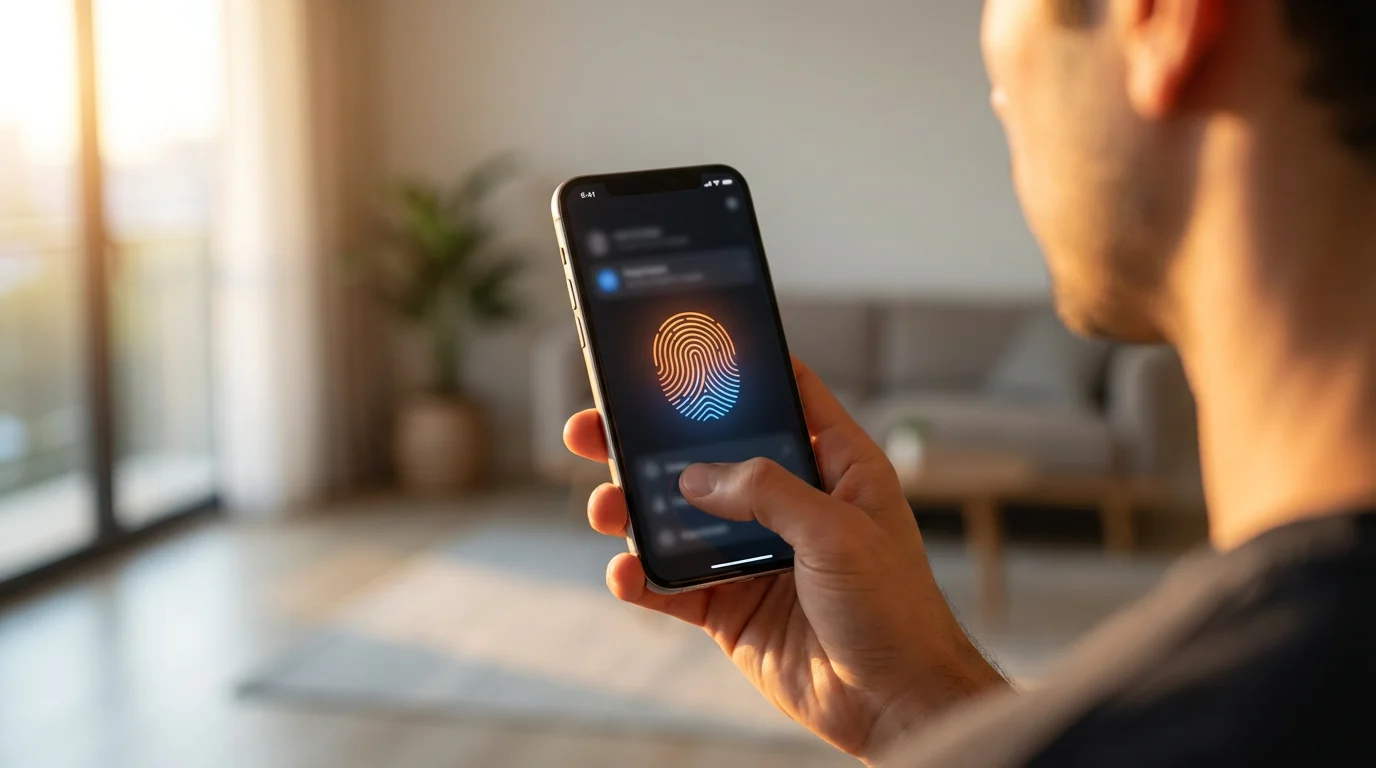
When you connect a third-party app to your bank account, security is a valid concern. Legitimate budgeting apps use bank-level security measures to protect your data.
Most reputable apps use 256-bit encryption and have read-only access. This means the app can “see” your transaction history to display it to you, but it cannot move money or change settings within your bank account. Furthermore, these apps typically do not store your bank login credentials on their servers; they use trusted aggregators (like Plaid or Yodlee) to facilitate the connection.
The Federal Trade Commission (FTC) advises consumers to use multi-factor authentication (MFA) whenever available. This adds an extra layer of protection, requiring a code from your phone in addition to your password to access the account.

Common Pitfalls to Avoid
Even the best app cannot fix bad habits on its own. Watch out for these common mistakes:
Being aware of common budgeting mistakes will ensure you stay consistent and don’t get discouraged by early setbacks.
- “Set it and forget it” syndrome: Installing the app is only the first step. You must review your budget weekly.
- Subscription fatigue: Don’t pay for a premium budgeting app if the cost outweighs the savings it generates. Start with a free trial.
- Over-categorization: Creating 50 different spending categories can make budgeting tedious. Keep it simple (e.g., “Needs,” “Wants,” “Savings”).
- Ignoring cash spending: If you use cash, you must manually enter those transactions, or your budget will be inaccurate.

When to Consult a Financial Professional
Budgeting apps are powerful tools for day-to-day money management, but they cannot replace personalized professional advice in complex situations. While DIY approaches work for many, certain life events require an expert eye.
You should consider seeking help from a Certified Financial Planner (CFP) or a credit counselor if:
- You are overwhelmed by debt: If you are juggling multiple creditors, facing collections, or considering bankruptcy, a non-profit credit counselor from the National Foundation for Credit Counseling (NFCC) can help you create a debt management plan.
- You have complex income streams: Business owners, freelancers with variable income, or those with rental properties often face tax implications that apps cannot handle.
- You are undergoing a major life transition: Divorce, receiving a large inheritance, or planning for a special needs dependent requires legal and financial strategy beyond simple budgeting.
- You are nearing retirement: Withdrawal strategies and tax planning are critical in your late 50s and 60s.
You can find certified professionals through the Certified Financial Planner Board. Remember, apps manage data; professionals manage strategy.
Frequently Asked Questions
Are budgeting apps safe to use?
generally, yes. Reputable apps use the same encryption standards as major banks (256-bit encryption) and often utilize third-party connectors like Plaid. This ensures they never store your actual bank login credentials. Always enable two-factor authentication for added security.
Is it worth paying for a budgeting app?
It depends on your needs. If you need simple tracking, free versions (like the basic version of Goodbudget or PocketGuard) work well. However, paid apps like YNAB often provide significant value by saving you more money than they cost through better debt management and savings strategies.
How much time does it take to manage a budget app?
Setup usually takes 20 to 30 minutes. Once established, you should spend about 5 to 10 minutes a week reviewing transactions and adjusting categories. The goal is efficiency, not constant monitoring.
Do these apps work for freelancers or irregular income?
Yes, specifically apps that use the zero-based budgeting method (like YNAB or EveryDollar). These tools force you to budget only the cash you currently have on hand, which is essential when you don’t know exactly when your next paycheck will arrive.
Can I just use a spreadsheet instead?
Absolutely. Spreadsheets offer ultimate customization and privacy. However, they require manual entry and lack the convenience of mobile access and automatic transaction importing. Apps trade some customization for convenience and automation.
When should I consult a professional about my budget?
If you find that despite using an app, your debt is increasing, you are unable to cover basic necessities, or you are experiencing severe anxiety regarding finances, it is time to consult a professional. The NFCC offers free or low-cost counseling for these situations.
What are the risks or limitations of budgeting apps?
The main risk is technical failure (syncing issues) or privacy breaches, though the latter is rare with major apps. The limitation is that an app cannot change your behavior; it can only show you data. If you ignore the notifications and warnings, the app cannot help you save.
Last updated: January 2026. Information accurate as of publication date. Financial regulations, rates, and programs change frequently—verify current details with official sources.
This article was reviewed for accuracy by our editorial team.
For trusted financial guidance, visit
Forbes Advisor,
Money.com,
Consumer Financial Protection Bureau (CFPB),
Internal Revenue Service (IRS) and
Social Security Administration (SSA).
Important: EasyMoneyPlace.com provides educational content only. We are not licensed financial advisors, tax professionals, or registered investment advisers. This content does not constitute personalized financial, tax, or legal advice. Laws and regulations change frequently—verify current information with official sources.
Disclaimer: This article is for informational purposes only and does not constitute financial, tax, or legal advice. Individual financial situations vary, and we encourage readers to consult with qualified professionals for personalized guidance. For those experiencing financial hardship, free counseling is available through the National Foundation for Credit Counseling.







Leave a Reply